See where users
get stuck
Find your product's friction points in minutes.
Add one script. Get a heatmap of where users struggle the most. No complex setup. No learning curve.
Instant Setup
Add a simple script or use Google Tag Manager. Takes 2 minutes.
Track User Friction
Automatically detect where users hesitate, rage-click, or abandon.
Top Problem Areas
See a ranked list of where users get stuck the most.
Deep Insights
Understand why users struggle with AI-powered analysis.
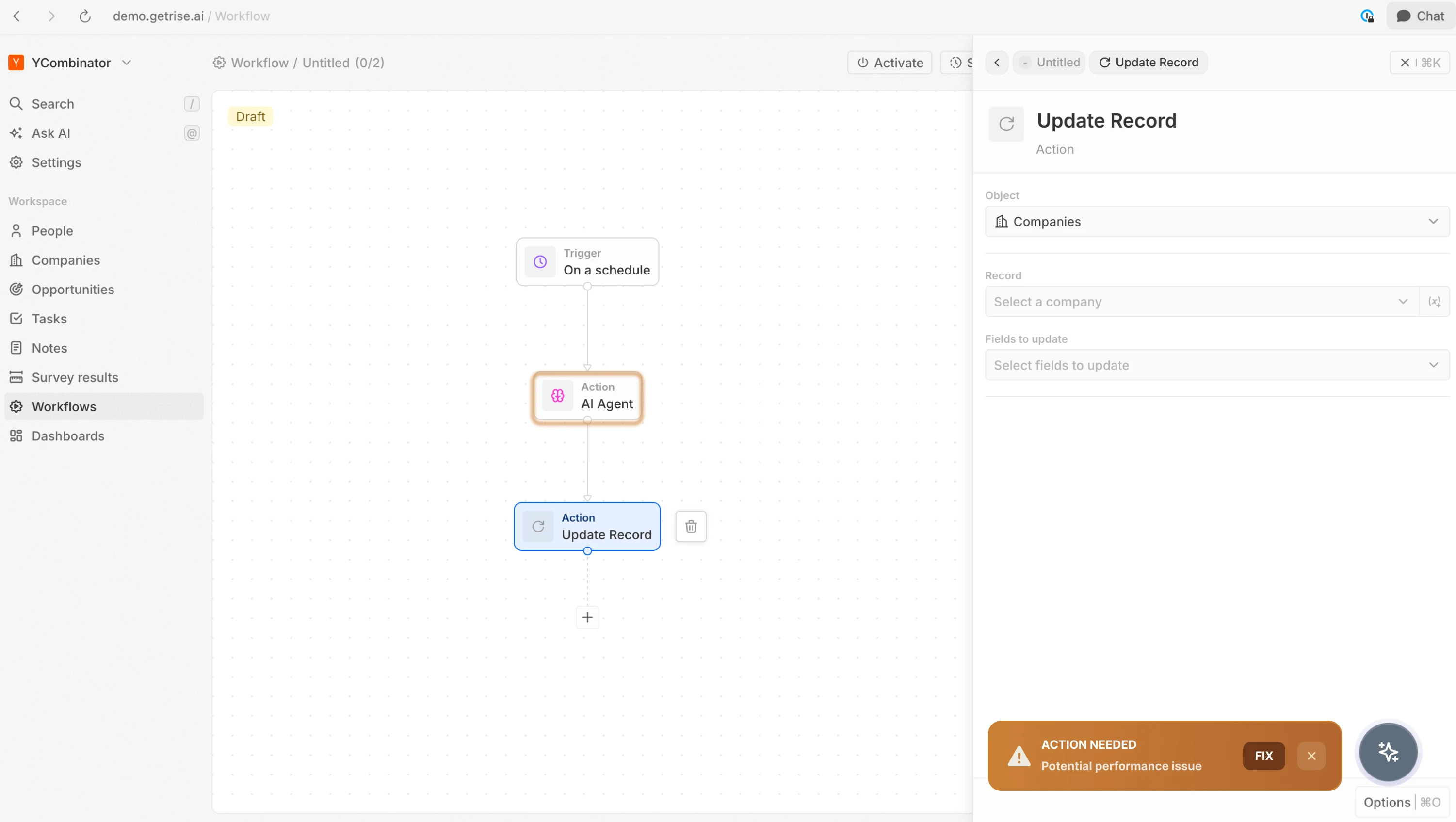
See the full picture in minutes.
Install our lightweight script and immediately see where users hesitate, rage-click, or drop off.
No sampling. No complex setup. Get a ranked heatmap of your product's friction points within minutes of going live.
Free forever for top friction areas. Upgrade when you're ready for deeper insights.
One line of code gives every user a personal guide.
Understands what each user needs individually, not by segment.
When Deway can't help, it routes to your team with full context: what the user did, where they got stuck, what to do next. No vague tickets. No back-and-forth.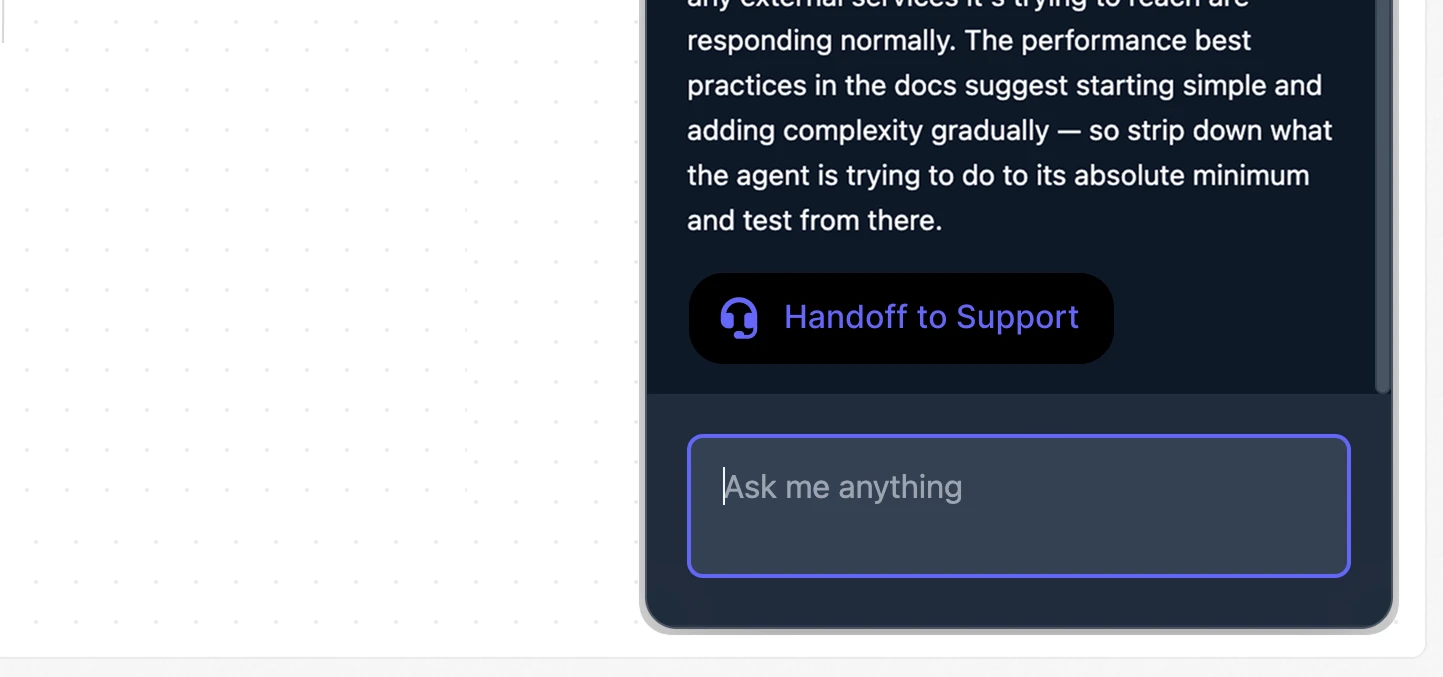
Works with your entire stack.
Connects to Zendesk, Slack, Salesforce, Snowflake, and more. Deway gets the full picture.





Every user gets white-glove onboarding, automatically.
A user lands on an empty page with no idea what's next. Deway reads the context and walks them through it, highlighting exactly where to click. No tooltip was pre-configured. No rule was triggered.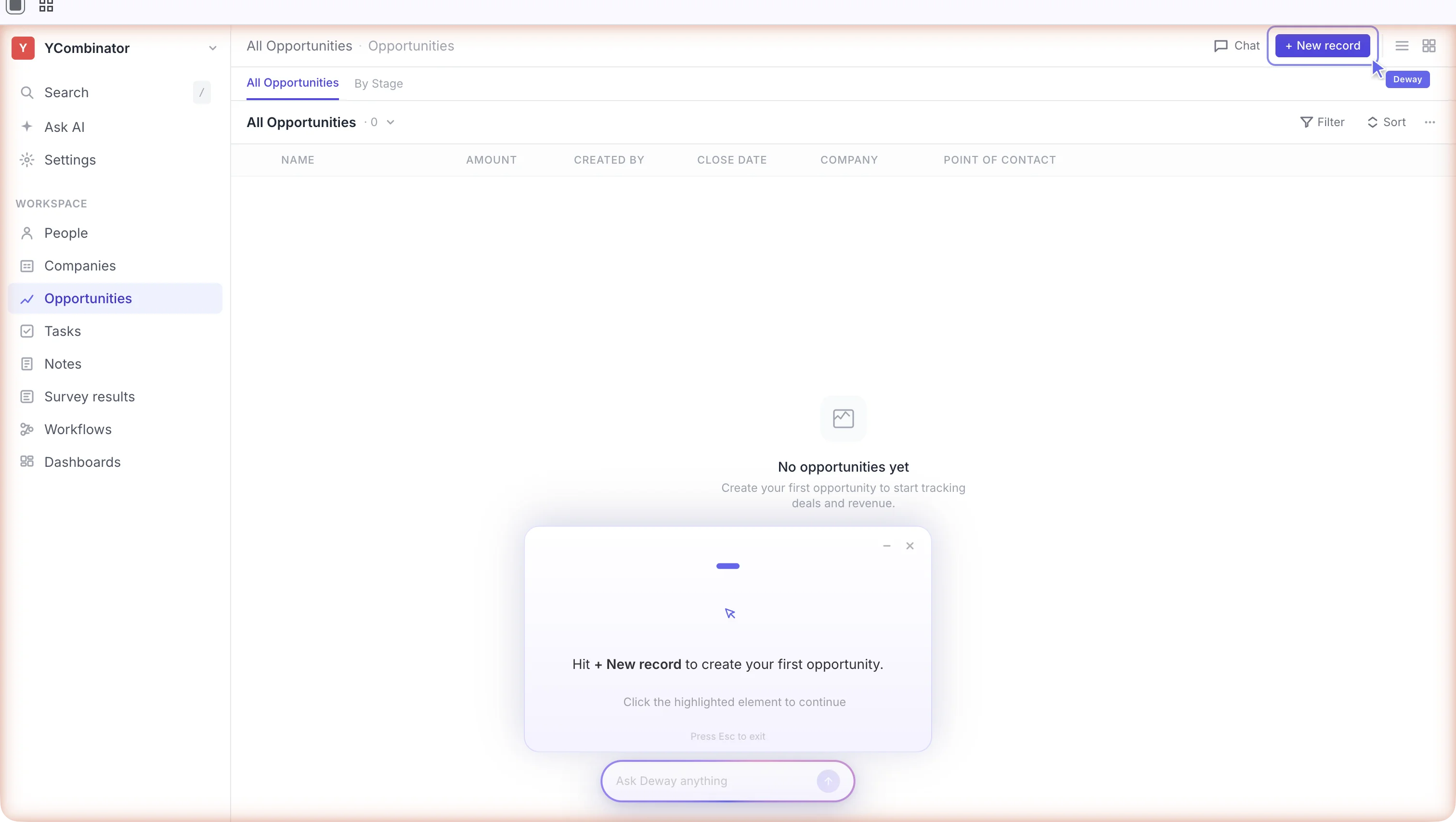
Show me or do it for me.
Users ask questions in plain language. Deway answers with context - and gives them a choice: 'Show me' walks through the steps. 'Do it' handles it automatically. Two buttons. No tickets.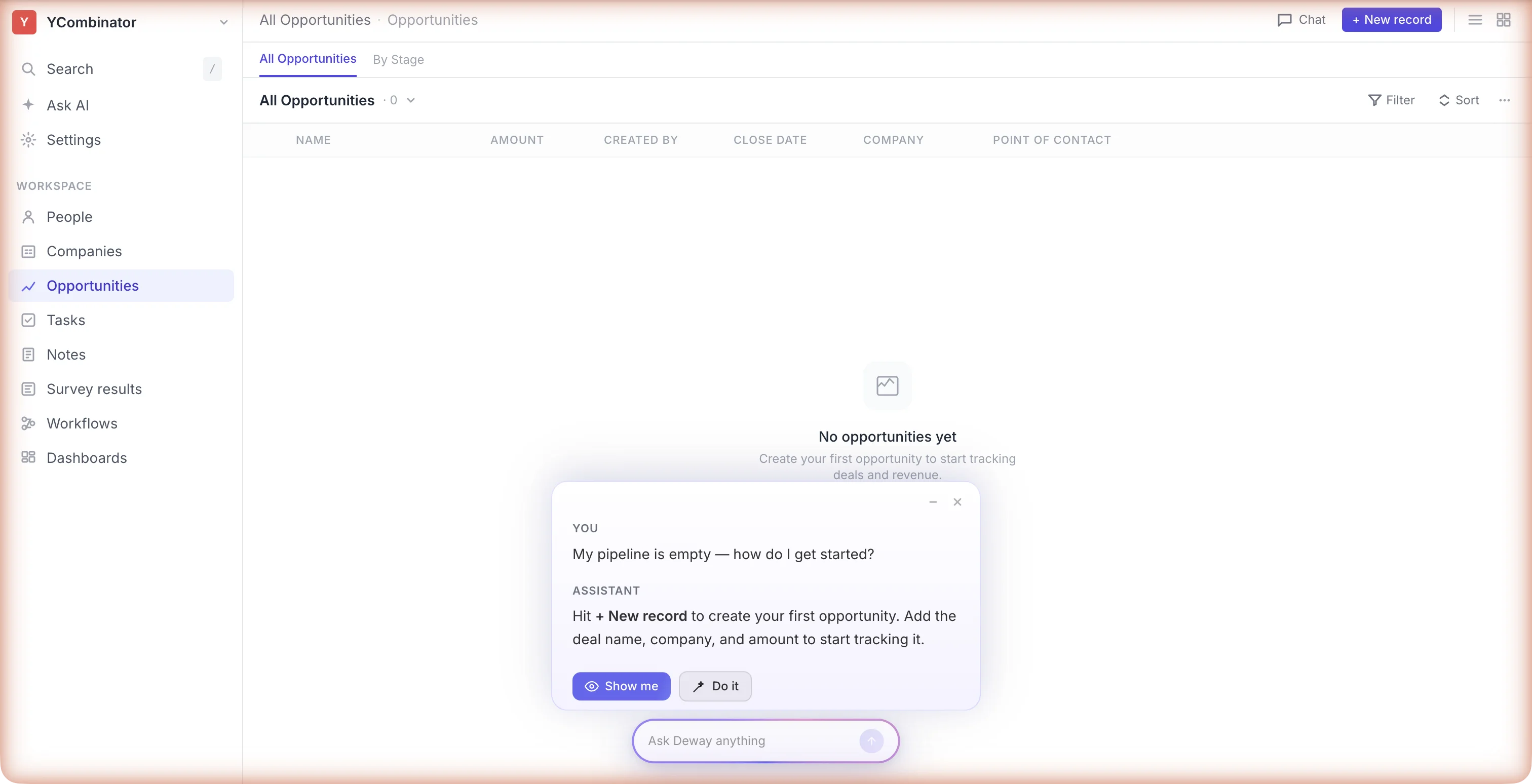
Finds the broken flows your team doesn't know exist.
You shipped a new feature. A flow breaks for 20% of users. Deway detects the pattern and reroutes them before they file a ticket or hit a dead end.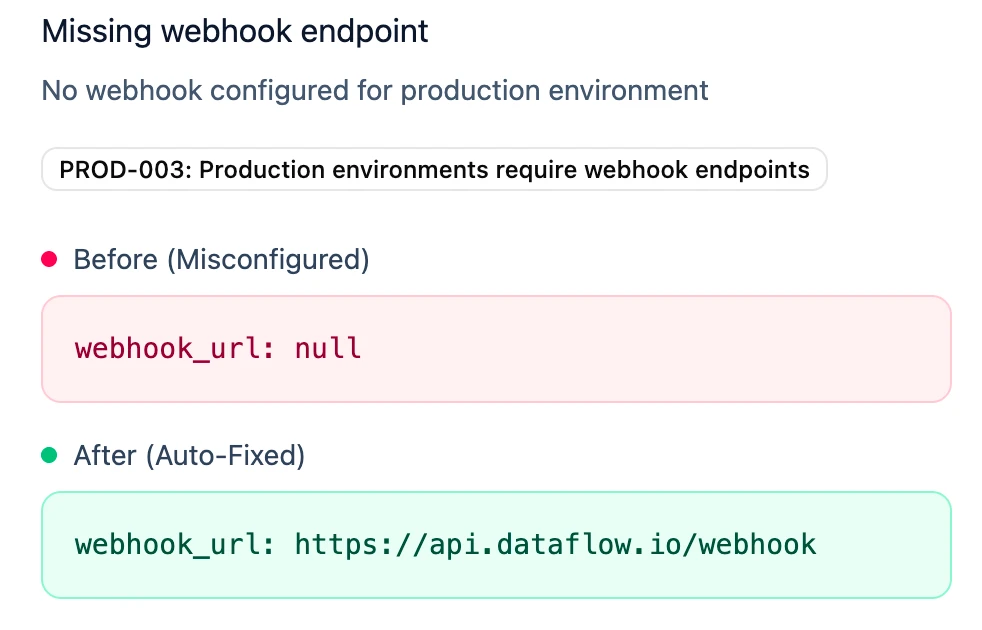
The adoption layer that runs itself.
The more your product grows, the more Deway learns. New modules, new workflows, new users. It adapts automatically. Nobody maintains it.
No tours to build. Period.
Your adoption layer should shrink your workload, not add to it. Deway requires nothing from your team after install. No content calendar. No quarterly tour audits. Ship your product and Deway keeps up.
Gets smarter with every interaction
The longer Deway runs, the better it gets. Knows your product better than a new hire after 90 days. Every interaction, every expert correction, every outcome refines it.
Show me. Or do it for me.
Users don't file tickets. They ask Deway. It answers with context - then gives them a choice. "Show me" walks through each step visually. "Do it" handles the action automatically. This is the interaction model DAPs never built.
See where users get stuck before they file a ticket
Deway surfaces what it's learning: which flows break, where users struggle, what guidance works. Your product team gets signal. Your CS team gets leverage. Nobody flies blind.
Traditional tools get harder to maintain as your product grows. Deway gets smarter with every interaction.
Got Questions?
If you can't find what you're looking for, get in touch.